Teachable Machine
Google’s free, no-code tool to train your own AI model in the browser. Show it a few webcam photos of two feelings—Happy and Angry—and watch it learn to tell them apart in real time. A hands-on intro to how machine learning actually works.
How to use it
Use toolEverything you need for this tool is on this page. Overview, safety, and pricing are in “More about this tool” at the bottom.
Uses the webcam to capture your child’s face. Training happens in the browser and images are not uploaded unless you choose Export or save to Google Drive—but a grown-up should still allow camera access and sit with younger kids. This example uses two feelings (Happy and Angry); you can pick any two, such as Happy and Sad.
Flow: open teachablemachine.withgoogle.com → Get Started → Image Project → make two classes (Happy and Angry) → record webcam samples for each → Train Model → test it live in Preview. Nothing is downloaded or coded—everything runs in the browser.
-
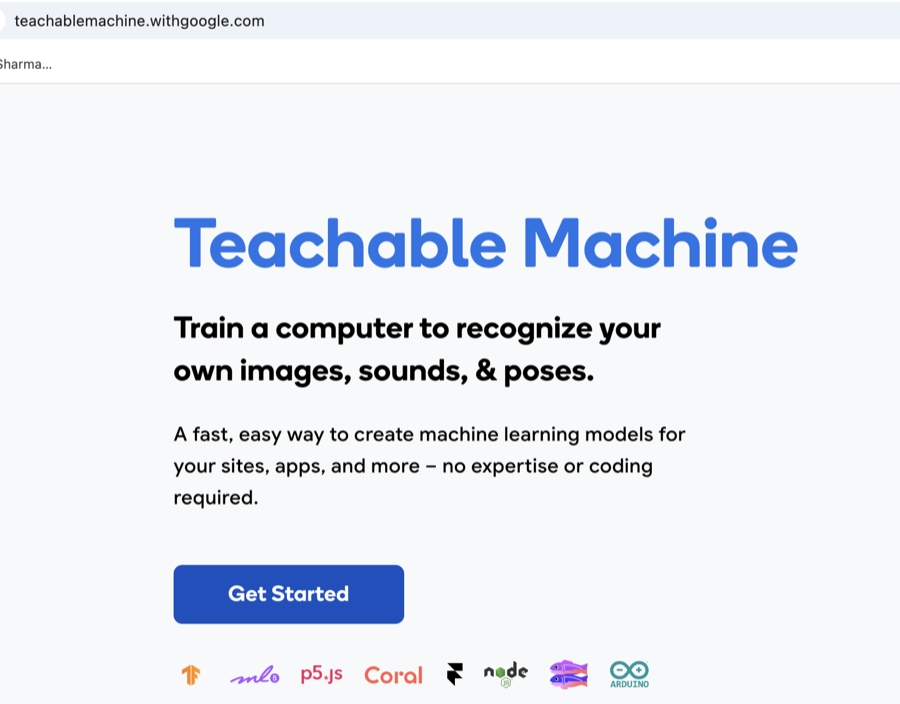
Open Teachable Machine and click Get Started
Go to teachablemachine.withgoogle.com in a browser (a laptop or tablet with a webcam works best). Click the blue Get Started button. No account or login is needed to begin.
-
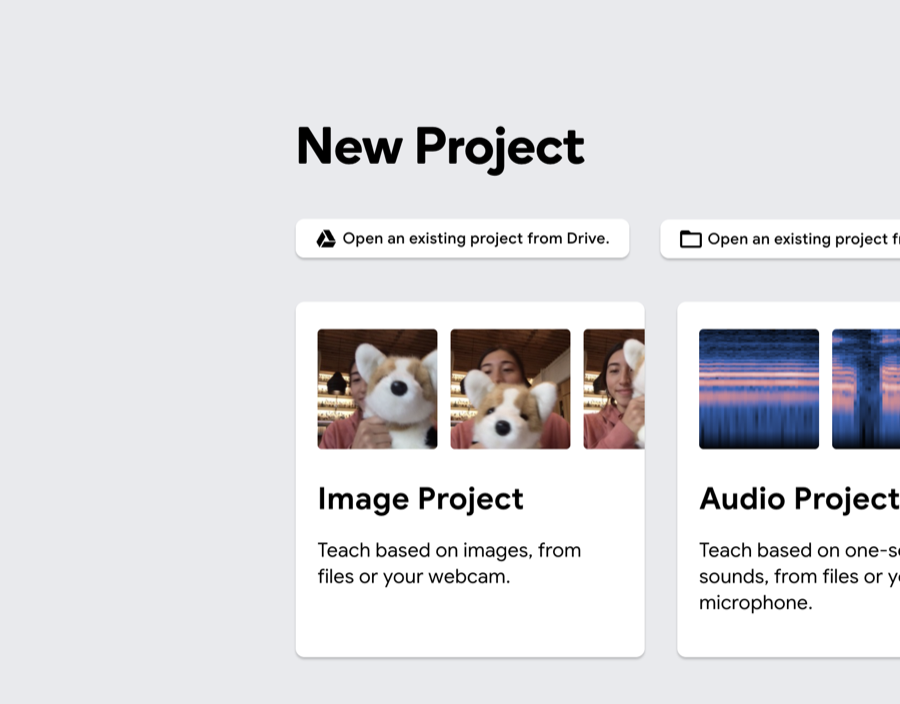
Choose Image Project
On the New Project screen you’ll see Image, Audio, and Pose projects. Click Image Project, then pick Standard image model when asked. This lets the tool learn from pictures taken with your webcam.
-
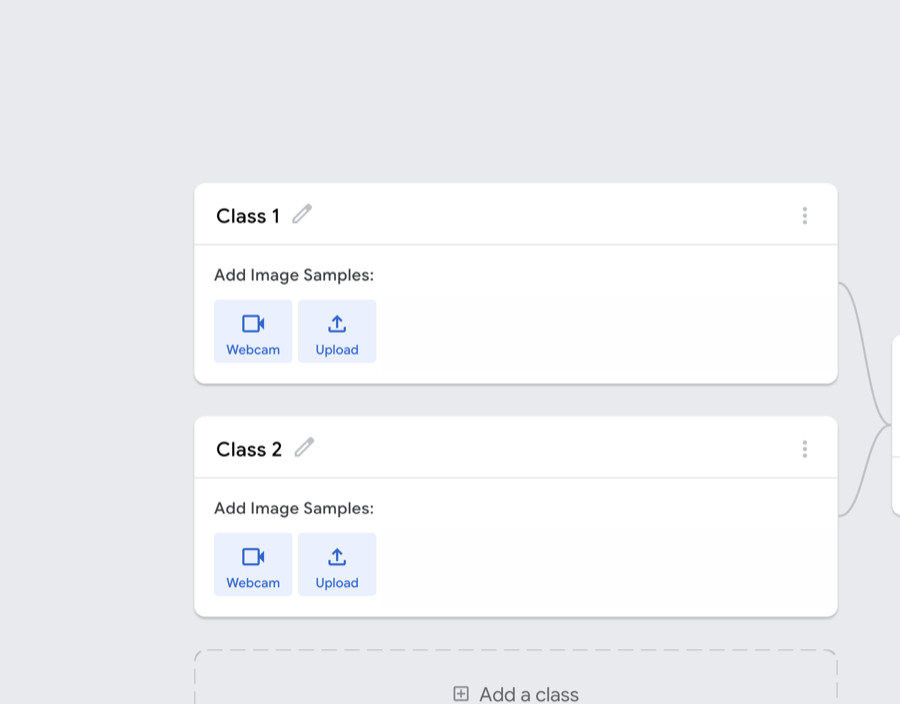
Make two classes and name them
You start with Class 1 and Class 2. Click the little pencil next to each name and rename them—here we use Happy and Angry. Each class is one thing you want the model to recognise. (You can pick any two feelings, like Happy and Sad, and even add more with “Add a class.”)
Tip: Two clearly different feelings work best for a first model—big smile vs. big frown.
-
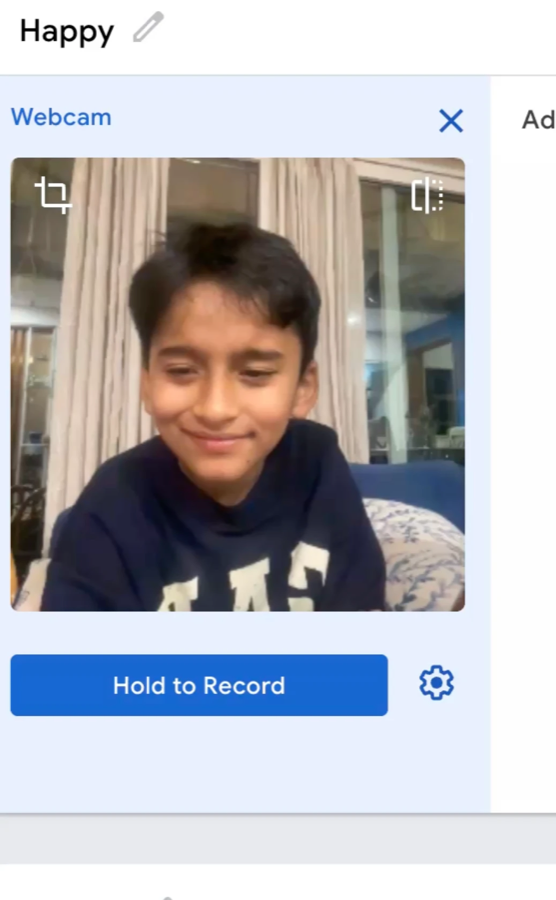
Record Happy faces from the webcam
In the Happy class, click Webcam and allow camera access. Make a big happy face, then press and hold Hold to Record to capture a burst of photos. Aim for a couple of hundred samples—move your head a little and change your smile so the model sees variety.
Tip: Keep your face well-lit and centred. More varied samples usually mean a smarter model.
-
Do the same for the Angry class
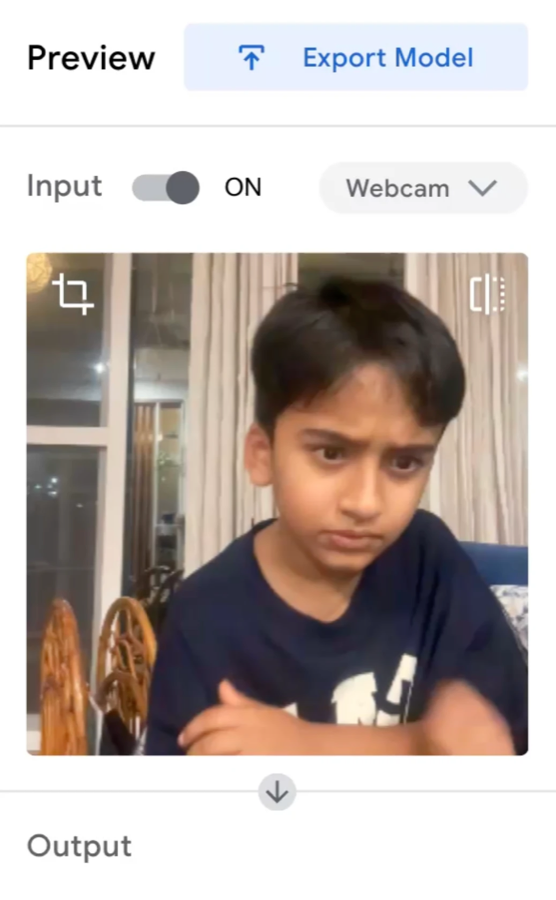
Switch to the Angry class, click Webcam, make an angry (or sad) face, and hold to record about the same number of samples as Happy. Keeping the two classes roughly balanced helps the model stay fair to both feelings.
-
Train the model
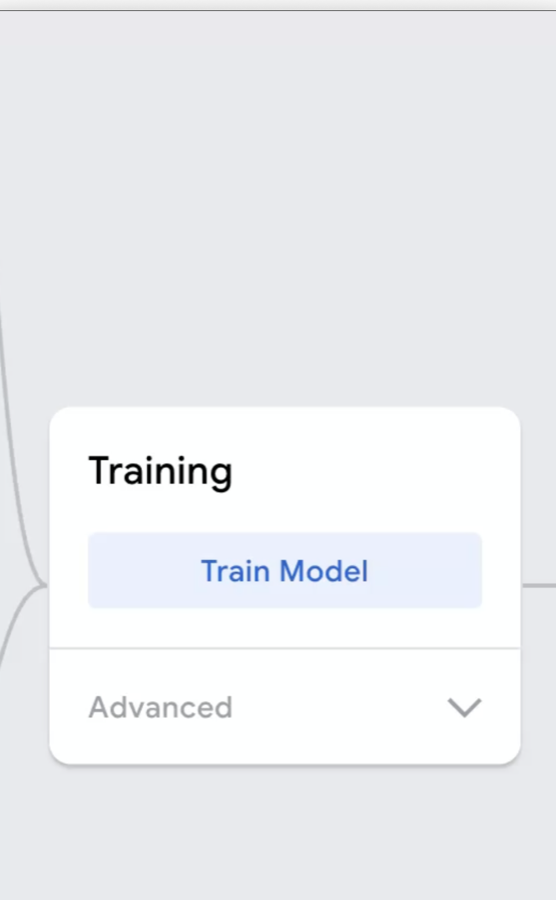
In the Training box, click Train Model. Keep the tab open and don’t switch away while it works. After a few seconds it finishes—there’s no coding and nothing to install. (The Advanced menu lets older kids tweak settings later, but the defaults are fine.)
-
Test it live in Preview
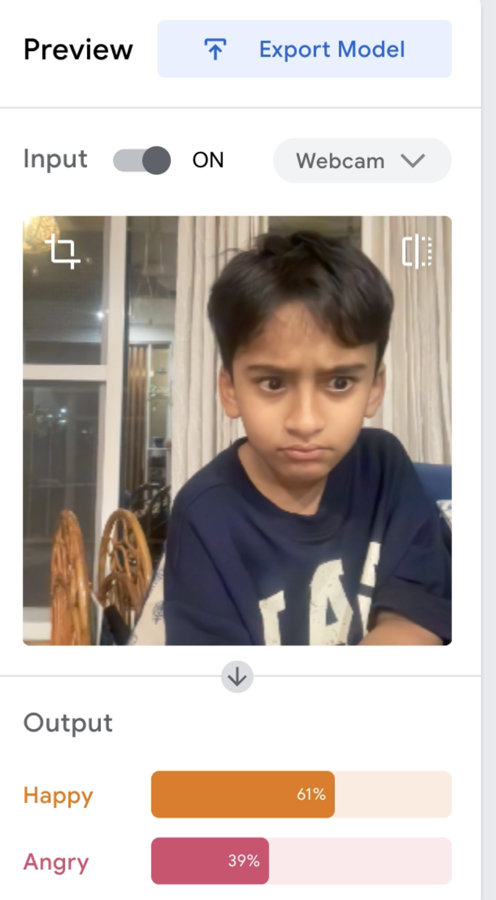
Once training ends, the Preview panel turns on automatically. Make a happy face and watch the Output bars—Happy should jump up. Switch to an angry face and Angry takes over. In this example a frown reads Happy 61% / Angry 39%, which is a great moment to talk about why the model isn’t always 100% sure.
Tip: If guesses look wrong, go back, add more varied samples to a class, and click Train Model again.
-
Optional: export or save your model
Happy with it? Click Export Model to get a shareable link or download for a project, or use “Open project from Drive” to save it to a grown-up’s Google account. You can skip this entirely—the model already works right there in Preview.
More about this tool — overview, features, safety, pricing
Overview
Teachable Machine is a free web tool from Google that lets anyone train a machine-learning model without writing code. You show it examples—images, sounds, or poses—and it learns to tell them apart.
In this project we teach it two feelings, Happy and Angry, using quick webcam photos. It’s one of the clearest ways for kids to see that AI learns from examples rather than being told rules.
Everything runs in the browser and training takes only seconds. Images stay on the device unless you choose to export the model or save the project to Google Drive.
Key features
- No code, no install. Point-and-click classes, webcam capture, and a Train Model button—kids build a working AI in minutes, right in the browser.
- Learns from your own examples. The model only knows what you show it, so adding more varied Happy and Angry samples visibly makes it smarter.
- Live preview. Output bars update in real time as you change your expression—instant feedback that makes the idea of ‘confidence %’ easy to grasp.
- Images, sounds, or poses. Beyond faces, the same steps work for sorting objects, recognising short sounds, or detecting body poses.
Safety & privacy notes
Data & accounts
- Training runs locally in the browser; captured images are not uploaded unless you export the model or save the project to Google Drive.
- Read Google’s FAQ and privacy notes on the site if your family wants the exact details before recording a child’s face.
Supervision
- An adult should grant webcam permission and can revoke it in the browser afterwards. Decide together whether to export or save anything.
Content & community
- No public feed, chat, or community in the tool itself—it’s a single-user workspace. Sharing only happens if you choose to export a model link.
Family project ideas
- Feelings detector. Train Happy vs. Angry (or add Surprised and Sad), then take turns making faces and see if the model guesses right. (15–25 min)
- Fool the model. Try to trick it with a tricky in-between face, then talk about why the confidence % lands where it does. (10 min)
- Sort the recycling. Make classes like Paper, Plastic, and Can, hold objects to the webcam, and build a tiny sorting helper. (20–30 min)
Pricing & account
Free — No payment and no account needed for the basic flow; runs entirely in the browser.
Account required: No
Platforms: web, desktop, tablet