Football celebrity selfie video (family project)
Paid Higgsfield project: generate selfie stills with football stars using Image → Nano Banana 2, then chain clips in Video → Kling with first/last frame + motion prompt; stitch in CapCut or Edits.
How to use it
Use toolEverything you need for this tool is on this page. Overview, safety, and pricing are in “More about this tool” at the bottom.
Use only a reference photo of your child that you are allowed to use. AI clips of real footballers are synthetic—never imply a real meet-up or viral news. Follow Higgsfield’s terms and your local rules on likeness and deepfakes.
Inspired by the AI Tools for Kids football selfie walkthrough. This is not free: a parent buys a Higgsfield plan, then Image → Create Image → Nano Banana 2 for each player still, and Video → Create Video → Kling (e.g. Kling 3.0) with two reference frames per transition. Model names on the dashboard can change—match what your account shows.
-
Subscribe and plan your player list
With a grown-up, open higgsfield.ai and choose a paid plan with enough credits. Pick 5–8 footballers in story order (e.g. Mbappé → Messi → Ronaldo). Take one clear, well-lit reference photo of your child facing the camera—the same photo attaches to every image generation.
Tip: Start with two players for your first test before generating the full squad.
-
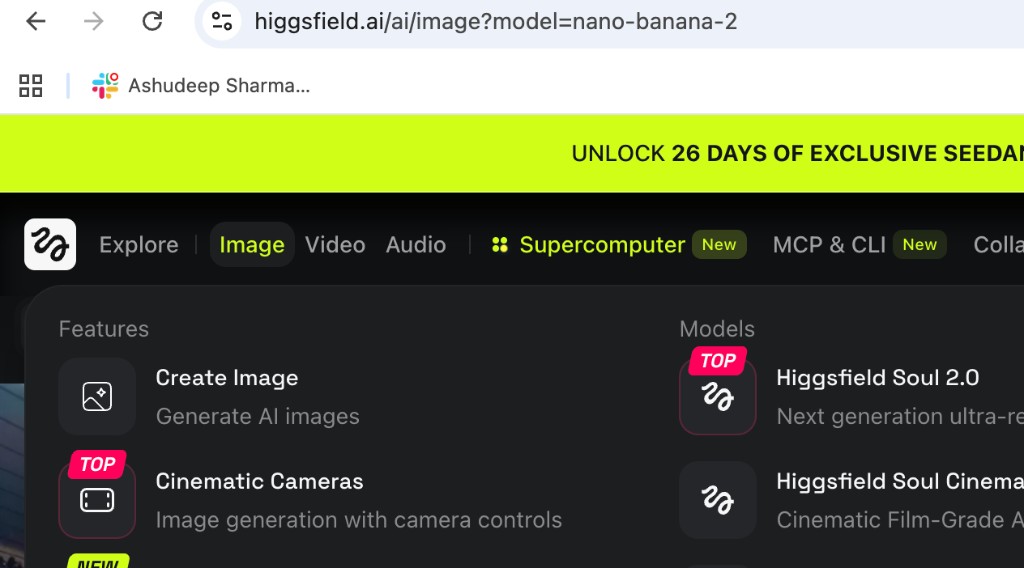
Image → Create Image → Nano Banana 2
In the top bar choose Image → Create Image. In Models, select Nano Banana 2 (or the closest Nano Banana model your plan lists). Upload your child’s reference photo and paste the image prompt—swap the player name and kit each time.
Image prompt (copy & edit player name)
Create a hyper-realistic image of the attached person based strictly on the reference photo. Maintain the exact facial features, skin tone, bone structure, hairstyle, and expression with no alteration or face swapping. Ultra-high fidelity, photorealistic, 8K quality. The attached person is standing inside a packed professional football stadium. The pitch is visible under bright floodlights. Mbappe is standing beside the attached person, clearly recognizable, wearing a professional football kit of France. Both are standing inside the ground. Do not change clothes of the person
Tip: Generate 2–3 versions per player and keep the best likeness before moving to video.
-
Repeat for every footballer in your lineup
Run a new image for each star in your video order. Change only the player name, kit, and stadium details in the prompt. Save downloads in sequence—you’ll use consecutive pairs as first and last frames for each video clip.
Tip: Vary locations slightly (stadium pitch, tunnel, training ground) so the final edit feels like a tour, not the same shot repeated.
-
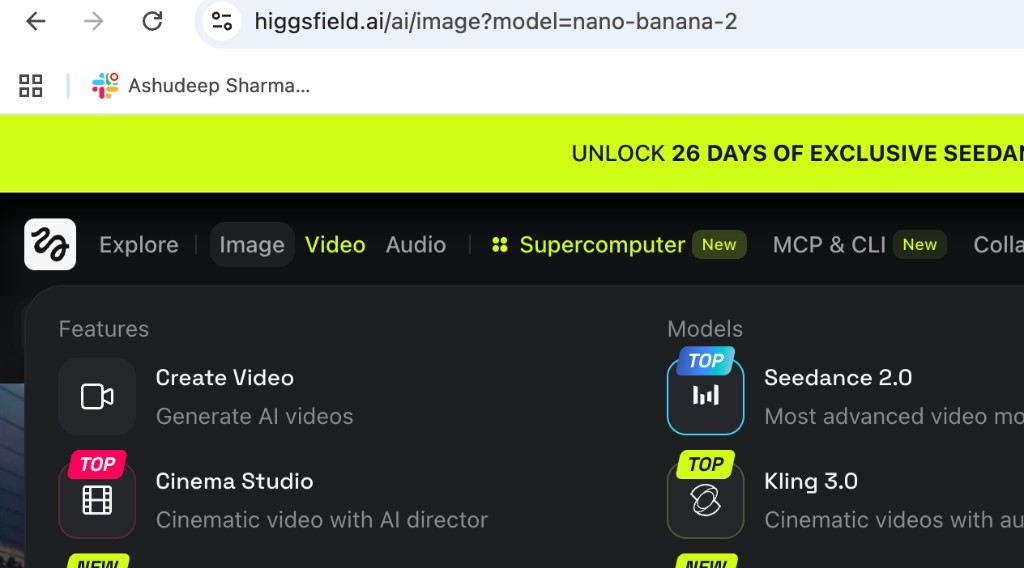
Video → Create Video → Kling
Switch to Video → Create Video. In Models, pick Kling (e.g. Kling 3.0 on your dashboard). This step turns two stills into a short motion clip between players.
-
Set first frame, last frame, and motion prompt
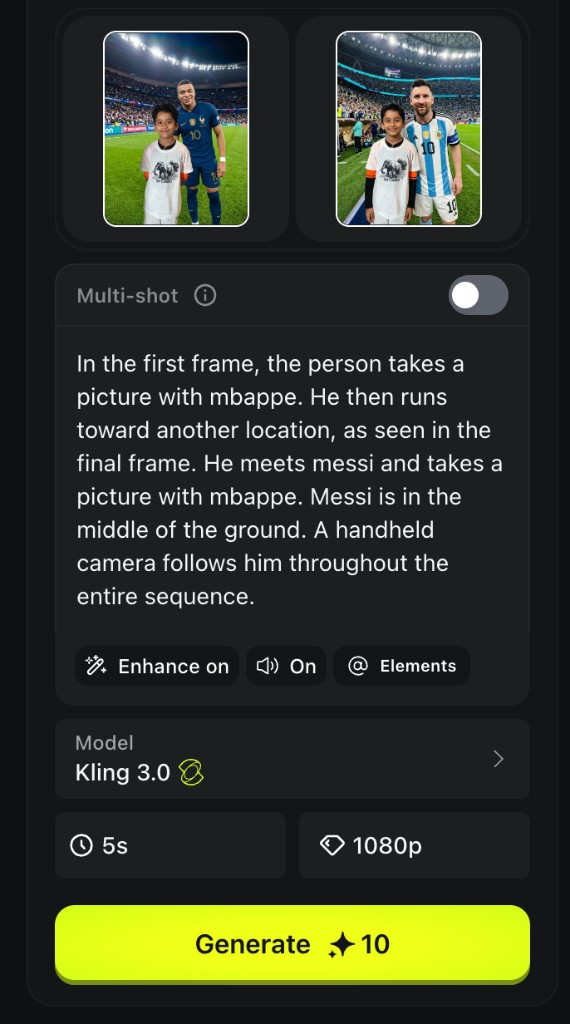
Upload your first reference still (segment start) and last reference still (segment end). Paste the motion prompt below—edit player names for each pair. Choose duration (often 5s), resolution (e.g. 1080p), then tap Generate. Wait while Higgsfield builds the clip.
Video / motion prompt (copy & edit names)
In the first frame, the person takes a picture with mbappe. He then runs toward another location, as seen in the final frame. He meets messi and takes a picture with him. Messi is in the middle of the ground. A handheld camera follows him throughout the entire sequence.
Tip: For the next segment, use the previous last frame as the new first frame and the next player’s still as the new last frame.
-
Download clips and chain the next transitions
Download each finished clip. Repeat the two-frame + prompt pattern for every consecutive pair in your lineup (Mbappé→Messi, Messi→next star, and so on) until the full journey is covered.
Tip: Test one complete image-to-video transition before spending credits on the whole list.
-
Stitch in CapCut, Edits, or iMovie
Import clips in order into CapCut, Instagram Edits, iMovie, or similar. Trim heads and tails, optionally speed up running sections, add licensed music, export one video (9:16 for Reels/TikTok or 16:9 for YouTube). Share only with family unless everyone agrees it is clearly labeled AI.
Tip: Pick aspect ratio before you generate—cropping later is harder.
More about this tool — overview, features, safety, pricing
Overview
Family project: synthetic “selfie with football heroes” stills, then Kling motion between each pair, then edit outside Higgsfield—similar to viral behind-the-scenes celebrity selfie trends, but for home use with a parent-run account.
Phase 1: Nano Banana 2 stills with strict “preserve attached child” wording. Phase 2: Kling with first/last frames + handheld-camera motion prompt. Phase 3: CapCut or Edits assembly.
Expect 1–2 hours and multiple credit spends on a first 5-player video; prompts usually need 2–3 tries per image.
Key features
- Nano Banana 2 portraits. High-fidelity image model for stadium selfies with recognizable kit and lighting.
- Kling first/last frame. Anchors motion between two real stills so your child appears to run from star to star.
- Handheld-camera prompt. Documentary-style motion reads more authentic than a static morph.
Safety & privacy notes
Data & accounts
- Child reference photos are processed on Higgsfield’s servers—read their privacy policy before uploading.
Supervision
- Parent owns the account, approves every prompt, and reviews all output before kids watch or share.
Content & community
- Never present the video as real news or a real meeting. Disclose AI use for school or public posts when required.
- Synthetic celebrity likenesses can upset rights holders—keep sharing family-private unless you understand the risks.
Family project ideas
- Two-player teaser. Mbappé → Messi only—one image pair and one Kling clip to learn the workflow cheaply. (45–60 min)
- Club night-stadium tour. Keep floodlit pitch lighting for every still; vary club kits in prompts for a cohesive 30-second film. (2–3 hours)
- CapCut speed ramp. Let your child pick favourite stills and help trim clips at 1.5× on the running sections. (30 min editing)
Pricing & account
Paid — from ~$9/mo — Not free for a full project. Higgsfield sells monthly plans with credits (often ~$9–17/mo when we last checked—confirm higgsfield.ai/pricing). Each image and video generation spends credits.
Account required: Yes
Platforms: web, mobile